
Once an event is created, planograms can be updated or created as new.
A planogram draft will automatically be created for each stand type that is selected in the event creation.
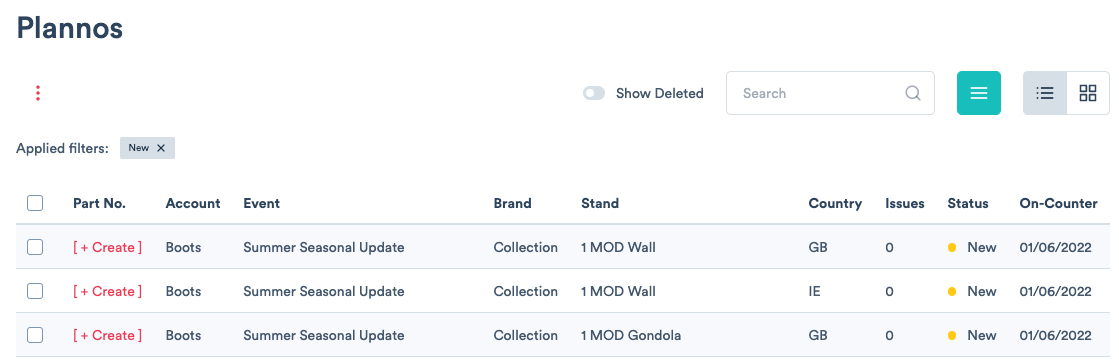
1) Click the [ + Create ] button to start editing an existing planogram or create a new version.
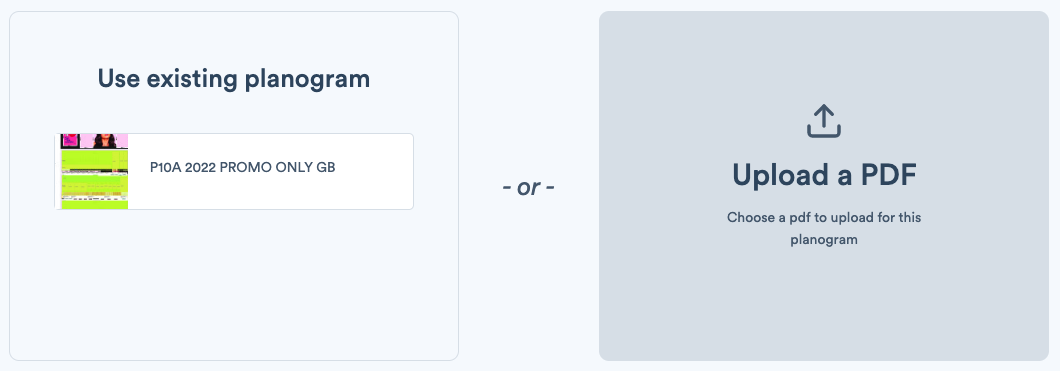
1a) If creating a new planogram, you will be asked to upload a PDF of the stand image. Note: the size of the PDF must be scaled 1:1 to the size of your stand, so that when placing parts or products on the planogram, they fit to scale.
Comments
0 comments
Please sign in to leave a comment.