
Creating an event is the first step before users can create or edit a planogram.
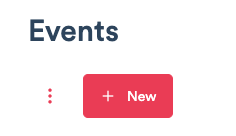
1) To create an event, navigate to Display Portal/Event, and click the "+ New" button.
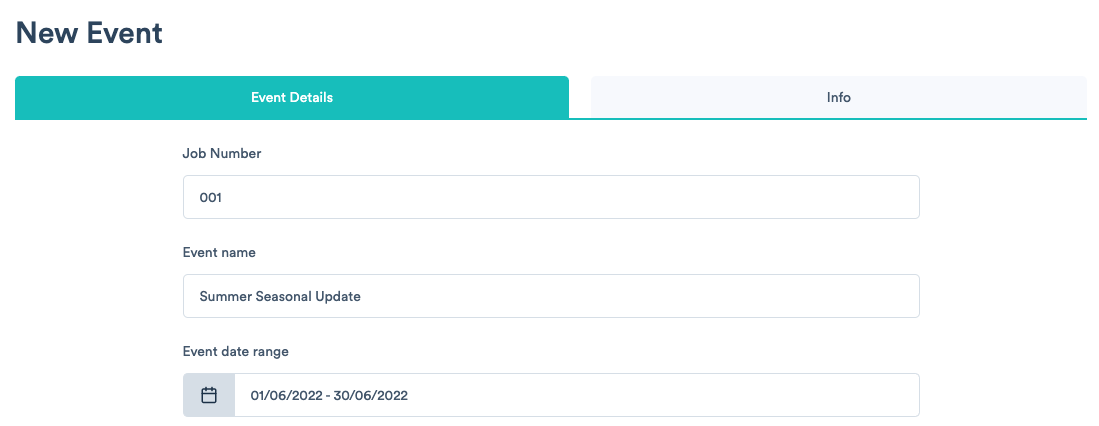
2) Give your event a job number and event name before choosing the event date range.
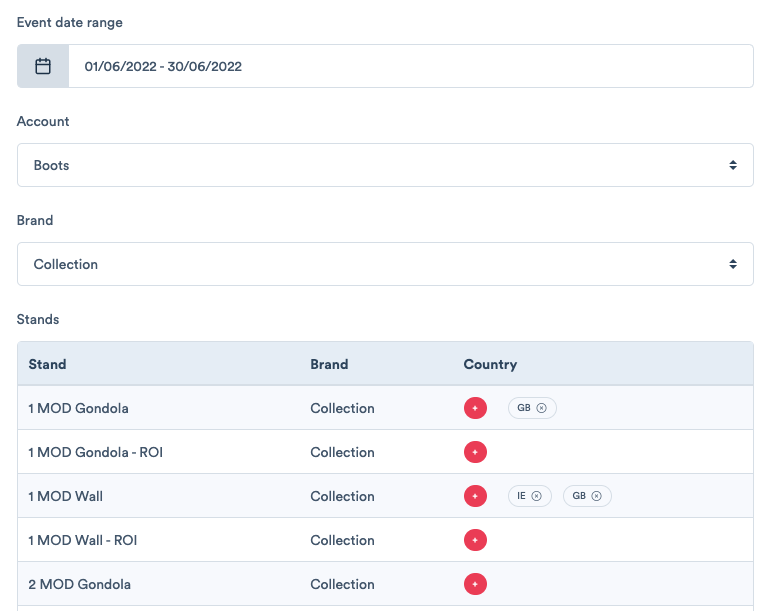
3) You must also select the account and brand from the drop down menus. Once the brand is chosen, users will be asked to select the country the event applies to for each stand.
Comments
0 comments
Please sign in to leave a comment.