
Stores are managed via the Locate application. To create a new store, navigate to Locate/Stores and click the "+ New" button.
1) Complete the retailer, store number, and store name plus basic address details to populate the store operating hours.
2) Click Add Store to proceed to the step for adding a stand in the store.
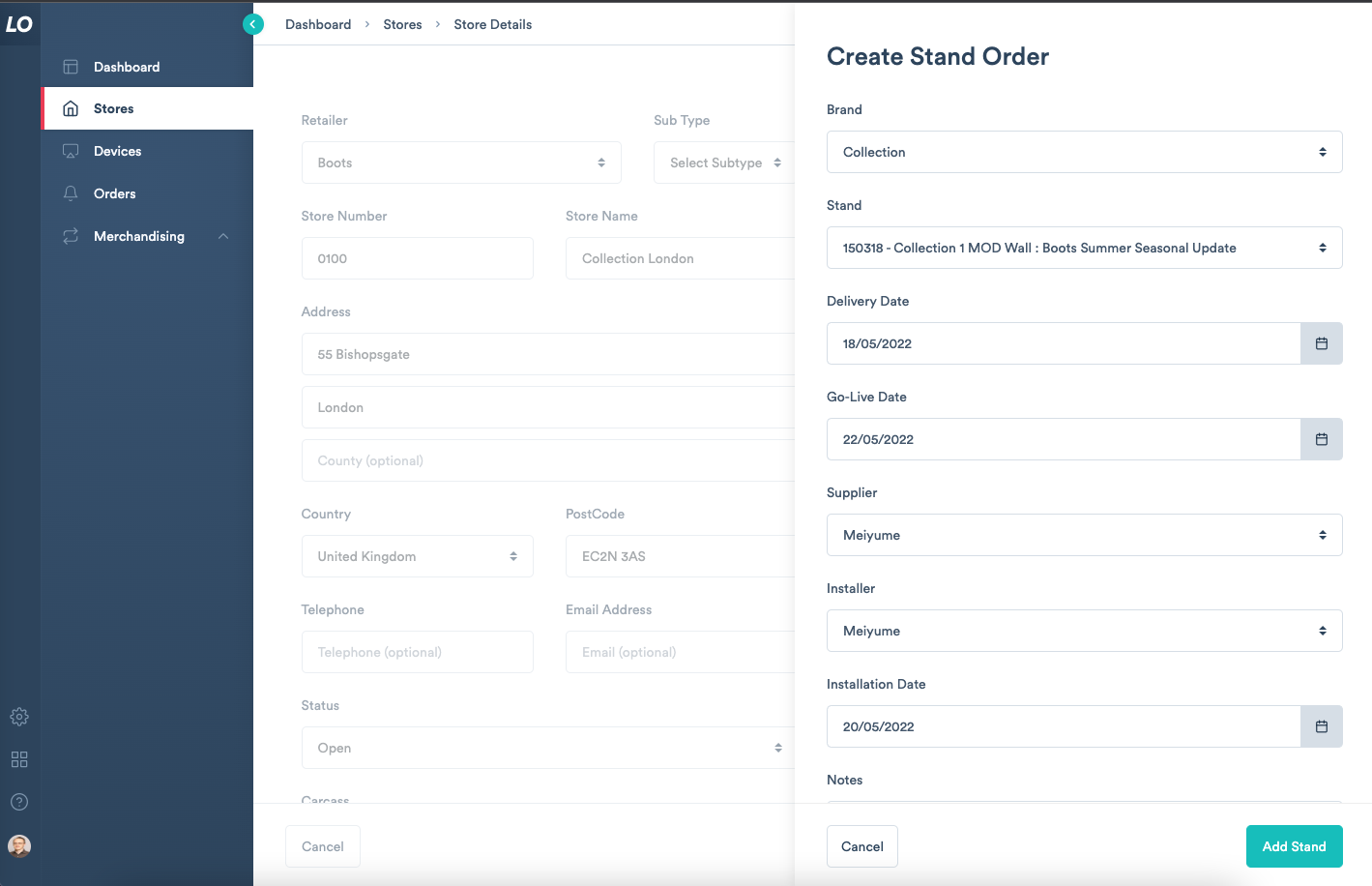
3) Choose the Brand and Stand which should be added to this store. Ensure to complete the Supplier and Installer fields to send an order to your supplier for this stand.
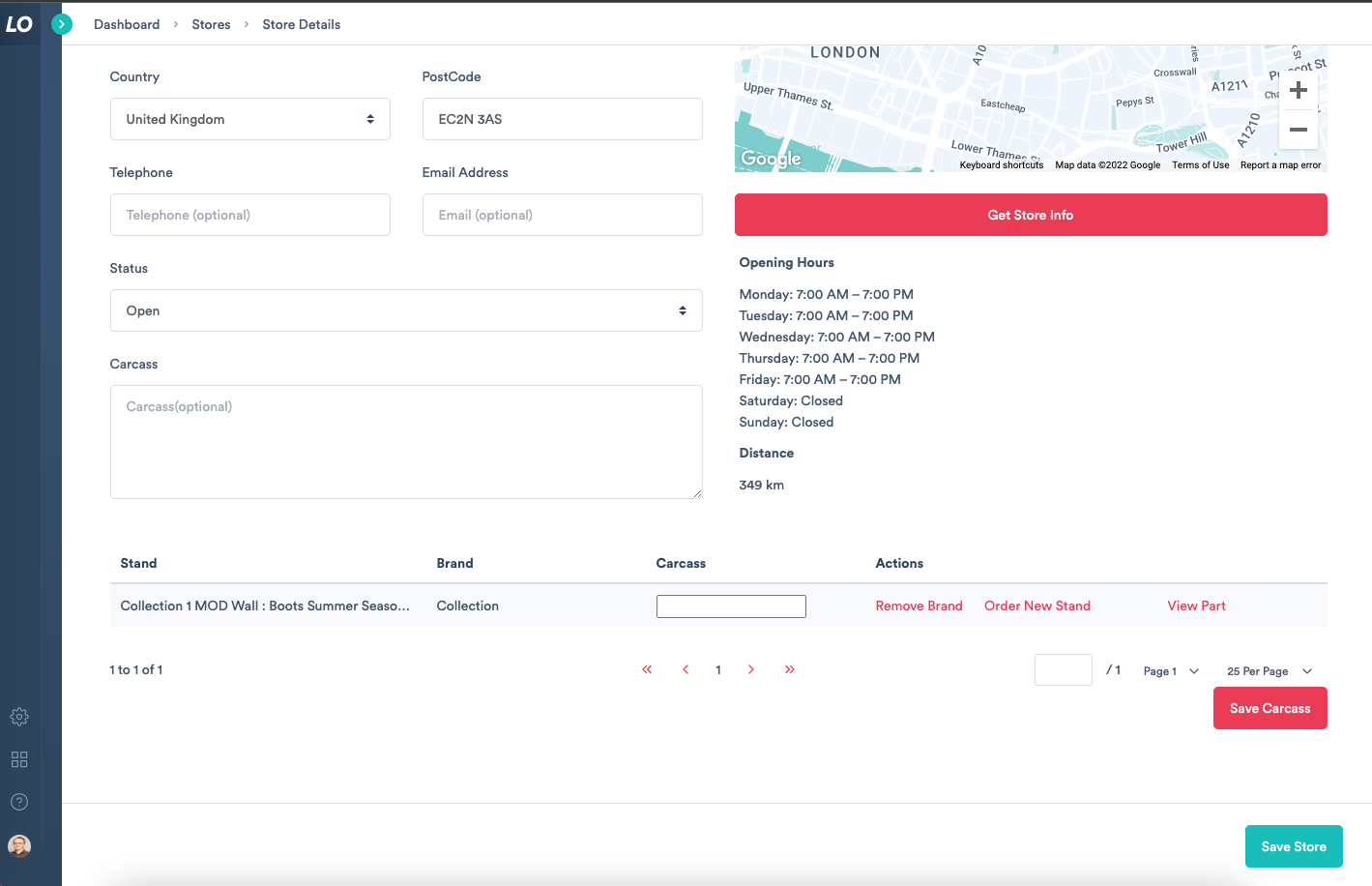
4) Once the supplier completes the order, the stand will be added to the store.
Comments
0 comments
Please sign in to leave a comment.